

Blog
From Alert to Action: Making iPhone Notifications More Useful on Amazfit


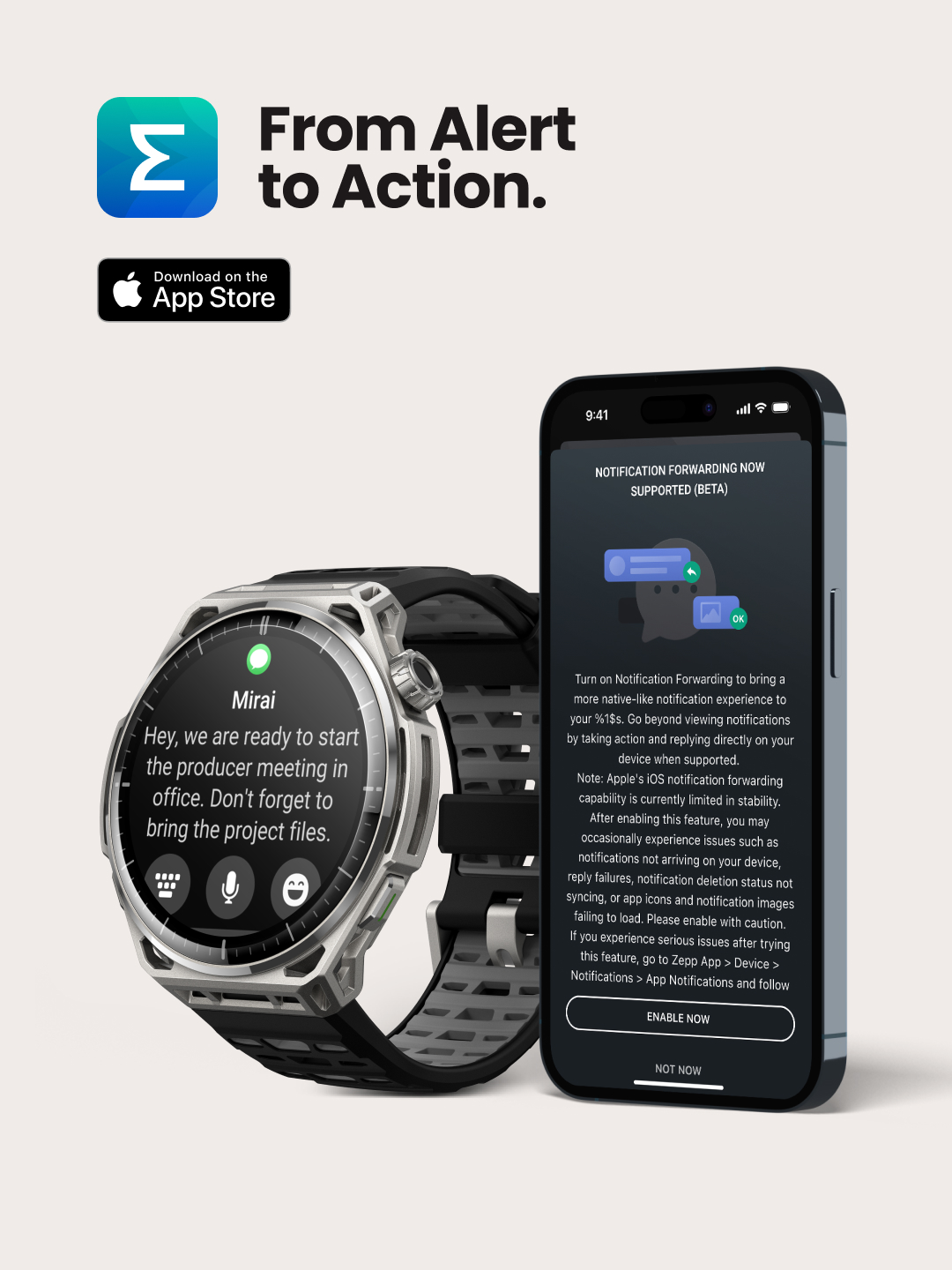
Notifications are one of the most-used features on any smartwatch. Yet for years, they served one primary purpose: letting you know something happened before reaching for your phone. At Zepp Health, we believe your smartwatch should do more than notify-it should help you stay in the moment. That's why we're introducing iOS Notification Forwarding (Beta), bringing a more intelligent and actionable notification experience to eligible Amazfit users across the European Union.
From Viewing to Doing
The next evolution of smartwatch notifications isn't about receiving more alerts—it, it's about reducing interruptions. With iOS Notification Forwarding, supported notifications become actionable directly from your Amazfit watch, allowing you to stay connected without breaking your focus. Whether you're training, commuting, working, or simply living your day, your watch becomes a more capable extension of your digital life.
A Smarter Notification Experience
Eligible users can now:
• Reply to supported messages directly from their watch.
• Take quick actions such as Mark as Read or Call Back without reaching for their iPhone.
• View supported notification images, giving more context for alerts such as security camera or doorbell notifications.
It's a simple update that creates a noticeably more seamless everyday experience.
Available Devices
iOS Notification Forwarding is rolling out first to:
• Amazfit Cheetah 2 Ultra
• Amazfit Balance Ultra
• Amazfit Balance 3
More watches are on the way. Amazfit Bip Max, Active 3 Premium, Cheetah 2 Pro, T-Rex 3, T-Rex 3 Pro, T-Rex Ultra, and Balance 2 will be joining the lineup soon.
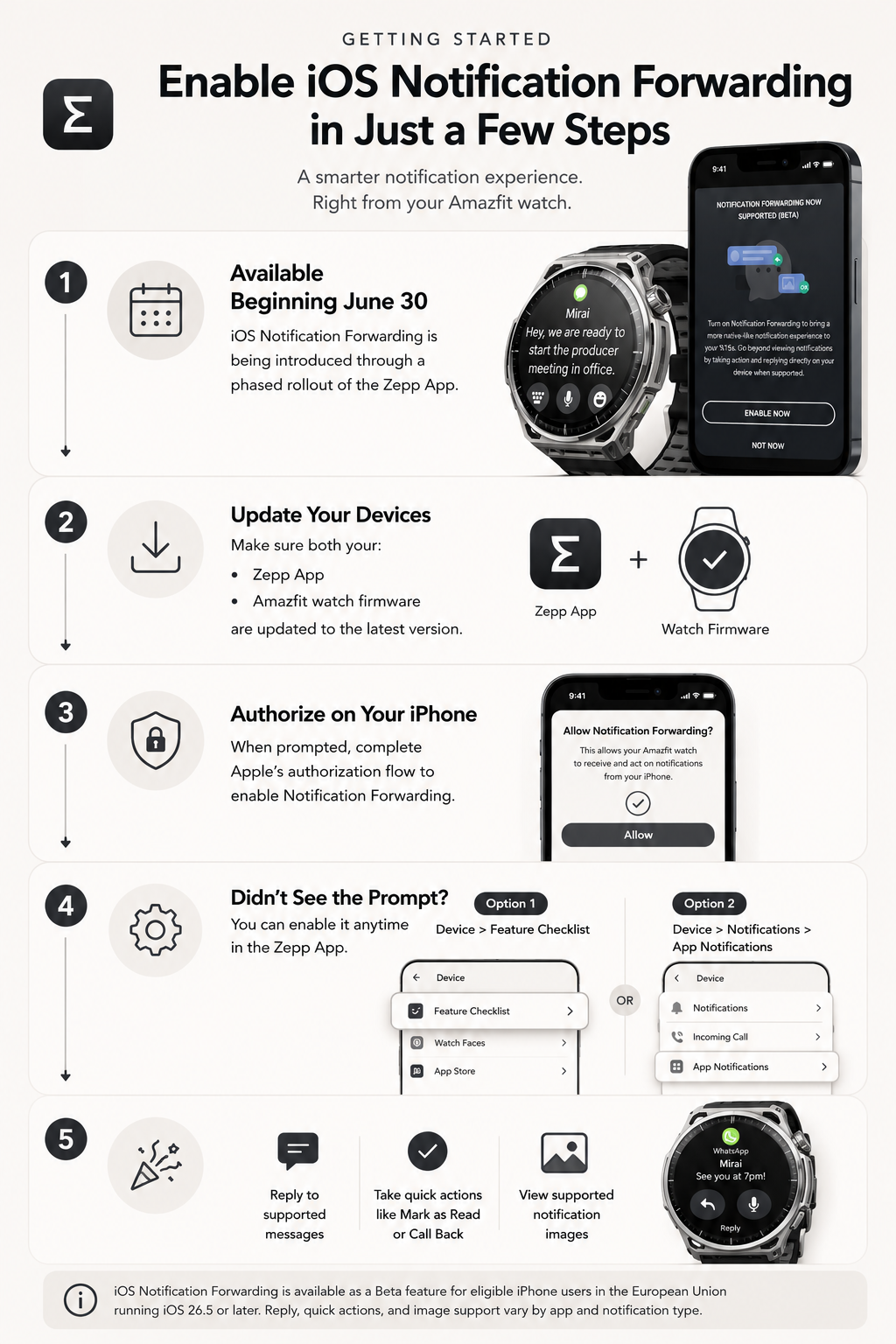
Getting Started
Designed Around Everyday Life
iOS Notification Forwarding is another step toward making Amazfit watches more intuitive, more capable, and more helpful throughout the day. By reducing the need to constantly switch between devices, we're helping people stay focused on what matters while remaining effortlessly connected.
Available as a Beta feature for eligible iPhone users in the European Union running iOS 26.5 or later. Reply, quick actions, and image support vary by application and notification type, and we'll continue enhancing the experience as Apple expands support for these capabilities.


